Why FileDigest Keeps Processing Separate
FileDigest keeps document conversion separate from the browser so outputs remain private, inspectable, and controlled.

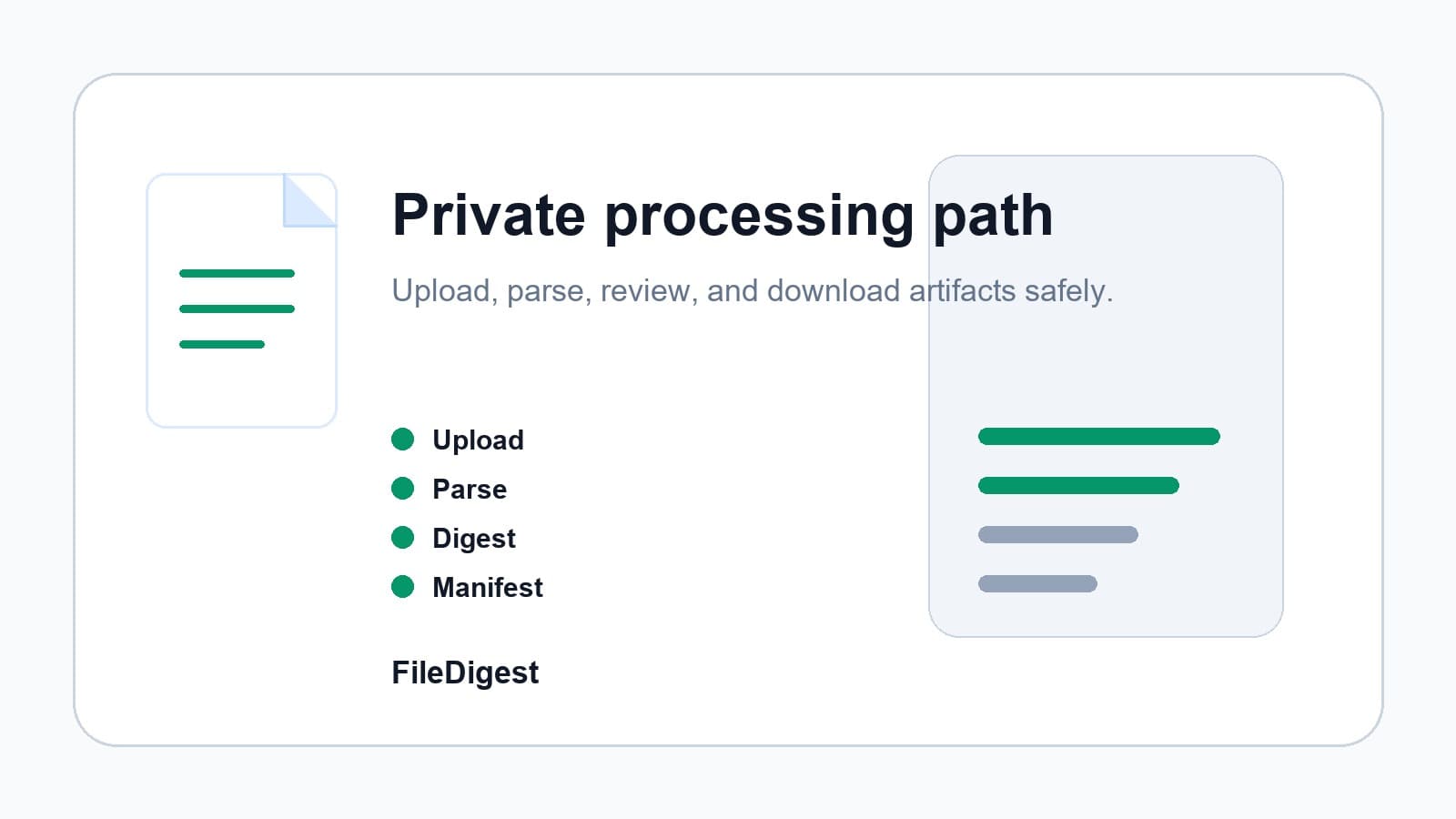
FileDigest is built around a strict processing rule: uploaded documents are not converted in the browser, and the production app does not use a hidden local fallback worker.
The app handles identity, billing, plan limits, job metadata, and private artifact access. A secure Docling processing layer handles document conversion. That separation keeps heavy processing behind server-side controls and makes the user flow easier to trust.
The processing contract
The browser uploads files to private paths and never receives internal processing credentials.
The processor accepts registered files, converts them with Docling, and writes output artifacts back to private paths:
digest.mdmanifest.json- optional bundles and logs
Why this matters
Document prep is often a cost and reliability problem before it is an AI problem. FileDigest blocks oversized jobs before compute starts, tracks usage, and keeps downloads private through signed artifact access.
That makes the first paid product simple: prepare source material for AI, prove the output is useful, and keep the processing path operationally honest.